
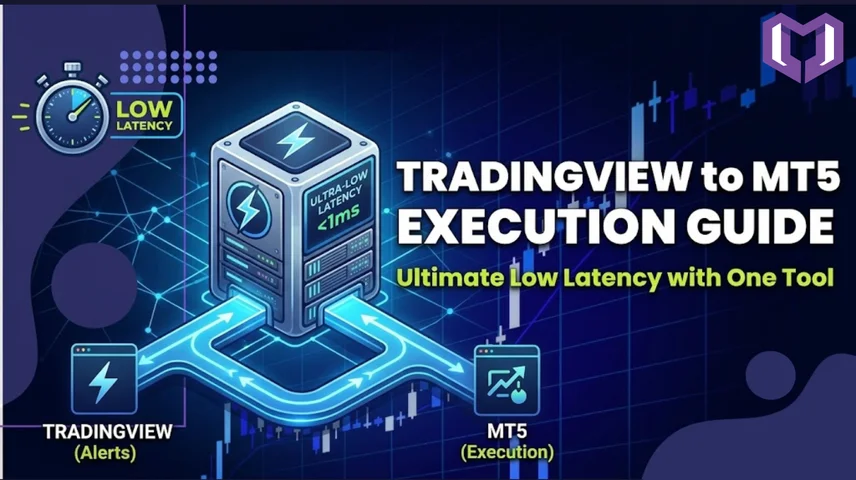
Fast execution is the difference between profit and slippage in automated trading. If you are using TradingView signals with MetaTrader 5 (MT5), achieving low latency execution is essential for scalping, algo trading, and high-frequency strategies.
In this guide by MetaConnector, you’ll learn how to reduce delay and achieve sub-second execution from TradingView to MT5 using webhooks, bridge tools, and VPS optimization.
Low latency execution means your trading signal from TradingView reaches MT5 and executes a trade in milliseconds to under one second.
Normally, manual execution causes delays. But with automation:
TradingView Alert → Webhook → MetaConnector → MT5 Order Execution
This removes human delay and ensures near-instant order placement.
To achieve fast execution, you need 3 core systems:
1. TradingView Webhook Alerts
TradingView sends instant alerts when your strategy conditions are met. These alerts carry trade instructions like buy/sell signals.
2. Bridge Software (MetaConnector)
MetaConnector acts as the execution engine. It:
3. MetaTrader 5 Execution Terminal
MetaTrader 5 executes the final order through your broker with high-speed API processing.
4. Forex VPS (Highly Recommended)
A Virtual Private Server places your trading system closer to broker servers, reducing network delay and improving execution speed to 1–5 milliseconds.
Step 1: Configure MetaTrader 5
Open MT5 and go to:
Tools → Options → Expert Advisors
Enable:
Step 2: Install MetaConnector EA
Step 3: Setup TradingView Alerts
In TradingView:
Step 4: Format Alert Message
Your TradingView alert must include:
Example:
BUY EURUSD LOT=0.1 SL=10 TP=20
1. Use VPS Near Broker Server
Choose VPS location close to broker’s data center for fastest execution.
2. Avoid Heavy Indicators
Too many indicators on MT5 can slow down processing speed.
3. Keep TradingView Alerts Simple
Complex alert conditions can delay signal generation.
4. Use Real-Time Data
Ensure TradingView real-time market data subscription is active for accurate triggers.
5. Stable Internet Connection
Even though VPS handles execution, stable connection improves monitoring reliability.
MetaConnector is designed for:
It removes technical complexity and focuses on fast execution + reliability.
Low latency TradingView to MT5 execution is not just about speed—it’s about proper system architecture.
When you combine:
You get a near-instant automated trading system suitable for scalping and algorithmic strategies.
1. What is low latency TradingView to MT5 execution?
Low latency execution means TradingView signals are sent to MetaTrader 5 and executed in milliseconds using Webhooks and automation tools like MetaConnector.
2. How does MetaConnector help in fast TradingView to MT5 trading?
MetaConnector acts as a bridge that converts TradingView webhook alerts into instant MT5 trade orders, reducing delay and enabling fast automated execution.
3. Do I need a VPS for low latency TradingView to MT5 setup?
Yes, using a VPS close to your broker server significantly reduces execution delay and helps achieve near real-time or sub-second trade execution.