
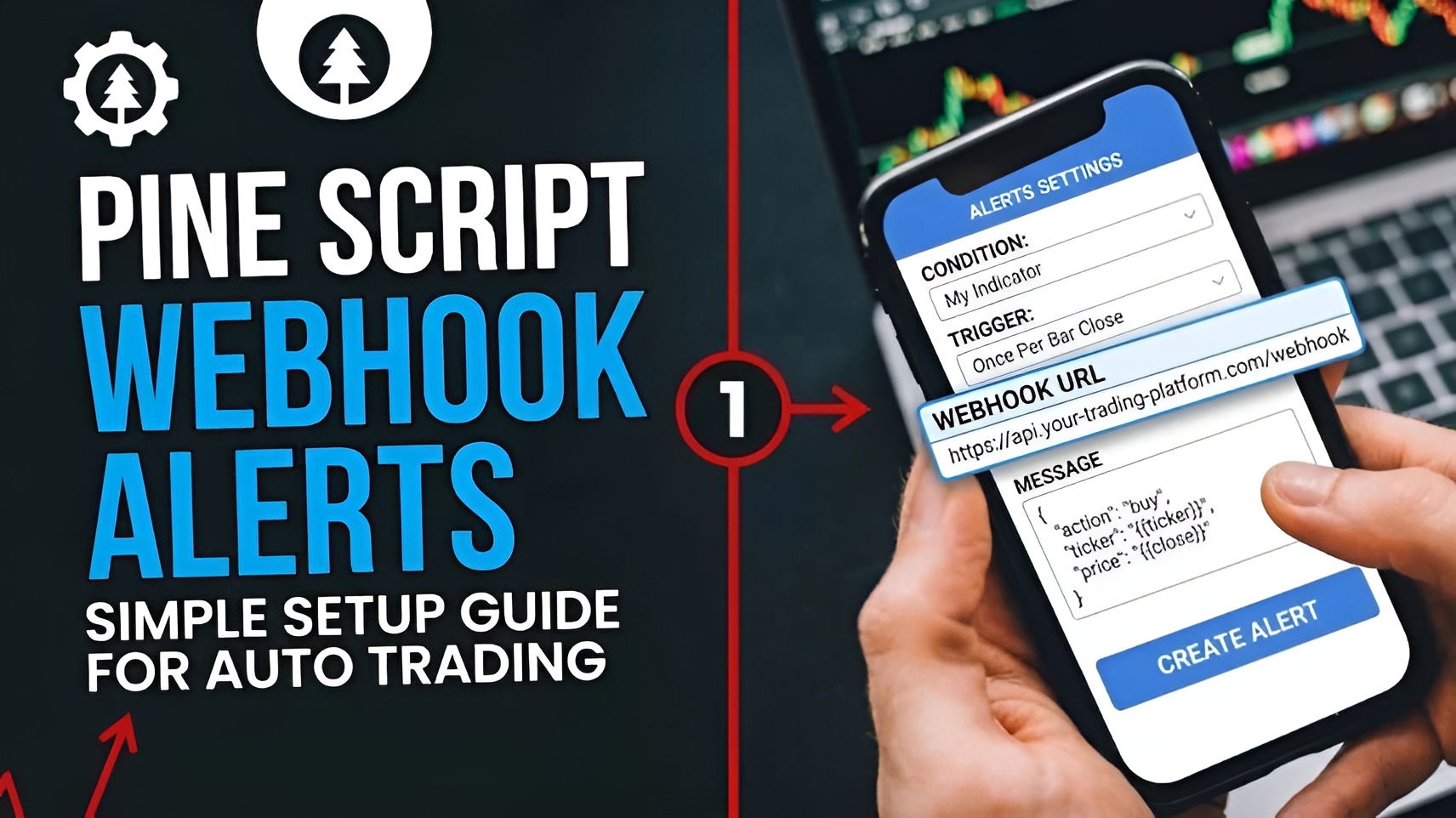
Automated trading has transformed the way traders execute strategies in today's fast-moving financial markets. Instead of manually monitoring charts and placing trades, traders can now automate the entire process using TradingView, Pine Script, and webhook alerts.
Using Pine Script webhook alerts can send trading signals generated on TradingView directly to your brokerage or trading platform automatically. When utilized with MetaConnector, these alerts can be executed on MT4 or MT5 instantly without any manual intervention.
In this guide, we'll explain how Pine Script webhook alerts work, how to set them up, and how MetaConnector helps turn your TradingView strategies into live trades.
Webhook alerts are a process that automatically sends TradingView trading signals in real time to an external application when a condition is met.
Pine Script is the programming language on TradingView where users can program custom indicators, trading strategies, and alerts. When your strategy triggers a buy/sell signal, a webhook alert is able to automatically send these trading signals to an endpoint.
Instead of receiving only an email or notification, webhook alerts can trigger actual trade execution through automation software such as MetaConnector.
Webhook alerts offer several advantages for traders:
For traders who rely on algorithmic trading, webhook alerts provide a reliable bridge between TradingView and broker platforms.
The process is straightforward:
This workflow allows traders to convert TradingView strategy signals into real market orders within seconds.
Step 1: Create Your Pine Script Strategy
To automate trading, your script should use the strategy() function rather than the indicator() function.
A simple moving average crossover strategy may look like this:
//@version=5
strategy("Simple MA Crossover", overlay=true)
shortMA = ta.sma(close, 9)
longMA = ta.sma(close, 21)
if ta.crossover(shortMA, longMA)
strategy.entry("Buy", strategy.long)
if ta.crossunder(shortMA, longMA)
strategy.entry("Sell", strategy.short)
This strategy generates buy and sell signals whenever the moving averages cross.
Step 2: Configure TradingView Alerts
Once your strategy is running on the chart:
TradingView will send alert data whenever the strategy generates a signal.
Step 3: Add a Webhook URL
The webhook URL acts as the destination where TradingView sends alerts.
Step 4: Create a JSON Alert Message
TradingView sends webhook data in JSON format.
Example:
{
"action": "{{strategy.order.action}}",
"ticker": "{{ticker}}",
"contracts": "{{strategy.order.contracts}}"
}
This message contains important trade information, such as:
MetaConnector interprets this information and forwards the trade to MT4 or MT5.
TradingView provides dynamic placeholders that automatically insert trade details.
Common placeholders include:
{{strategy.order.action}}
{{strategy.market_position}}
{{strategy.order.contracts}}
{{ticker}}
{{close}}
These placeholders make alerts more flexible and suitable for automated trading systems.
Although TradingView is one of the most powerful charting platforms available, it cannot directly execute trades with most brokers.
This is why traders use automation bridges like MetaConnector.
MetaConnector acts as the connection layer between TradingView alerts and MetaTrader platforms, ensuring that signals are translated into broker-compatible order instructions.
MetaConnector simplifies the entire automation process by:
This makes it an ideal solution for traders who want reliable and efficient strategy automation.
Many traders face issues due to incorrect configuration.
Some common mistakes include:
Incorrect Webhook URL
Always verify that the webhook endpoint is entered correctly.
Invalid JSON Format
Missing brackets or quotation marks can prevent alerts from being processed.
Wrong Alert Conditions
Ensure the alert is linked to the correct strategy.
Pine Script Errors
Check your strategy logic and confirm that signals are being generated.
MetaTrader Connection Issues
Make sure MT4 or MT5 is running properly and connected to MetaConnector.
To achieve better results:
Pine Script webhook alerts enable automated trading to occur quicker, efficiently, and reliably. Integration of TradingView strategies with webhook automation enables automatic execution of trades, thus avoiding human delays.
An easy and reliable method for connecting TradingView webhook alerts directly to an MT4/MT5 account using MetaConnector makes automating your trades a success. No matter if you have a simple moving average strategy or even sophisticated algorithmic strategies, webhook automation allows trades to be executed with accuracy.
1. What is a Pine Script webhook alert?
A Pine Script webhook alert is a TradingView alert that sends trading data to an external application using a webhook URL for automated execution.
2. Can TradingView execute trades directly?
No. TradingView cannot directly execute trades with most brokers. A bridge such as MetaConnector is required to automate trade execution.
3. What format does TradingView use for webhook alerts?
TradingView typically sends alert data in JSON format, which can be interpreted by automation platforms and broker APIs.
4. How do I connect Pine Script alerts to MT5?
You can connect Pine Script alerts to MT5 by creating a webhook alert in TradingView and routing it through MetaConnector for automatic execution.
5. Is MetaConnector suitable for Pine Script automation?
Yes. MetaConnector is designed to receive TradingView webhook alerts and execute trades automatically on MT4 and MT5 platforms.